










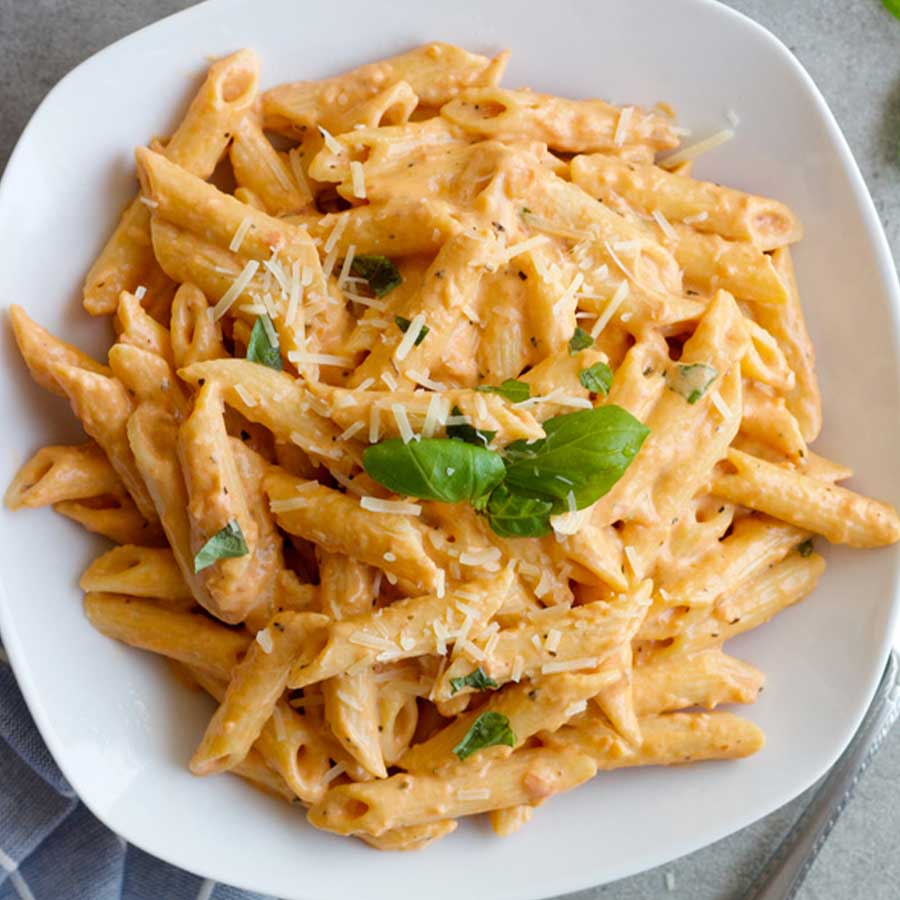
Pressure Cooker Pasta
4 servings
10 minutes
49 minutes
Pasta
Ingredients
24 oz. your favorite pasta sauce (Traditional / Tomato Basil / Alfredo/ etc.)
0.5 lbs Meat (Chicken / Pork / Beef etc.)
1 Onion
1 Garlic clove
0.5 lbs Your favorite pasta
1 cup Broth (Chicken broth / Vegetable broth)
2 tbsp Olive oil
Directions
From the main menu, select ‘Manual Cook’ and then choose ‘Sear/Satue’. Set the heat level to level 3.
In the pressure cooker, heat the olive oil over medium heat. Add the chopped onion and minced garlic, and cook until the onion is translucent.
Add the meat and cook until it is browned on all sides.
Pour in the pasta sauce and broth, and stir to combine.
Add pasta to the pressure cooker. Stir to ensure that the pasta is coated in the sauce.
From the main menu, select 'Auto Cook' and select 'Pasta' from the recipe presets. Press 'Ok' to start.
Securely attach lid and set the pressure release valve to 'SEAL' Press 'Ok' to start.
Once cook time has finished, ensure that the float valve has fully decended, then turn the pressure release valve to 'VENT'. Confim that all steam has released from the valve before opening the lid.
Stir the pasta and serve hot. Enjoy!
You may also like
View all

