






Paella
2 servings
15 minutes
70 minutes
Rice
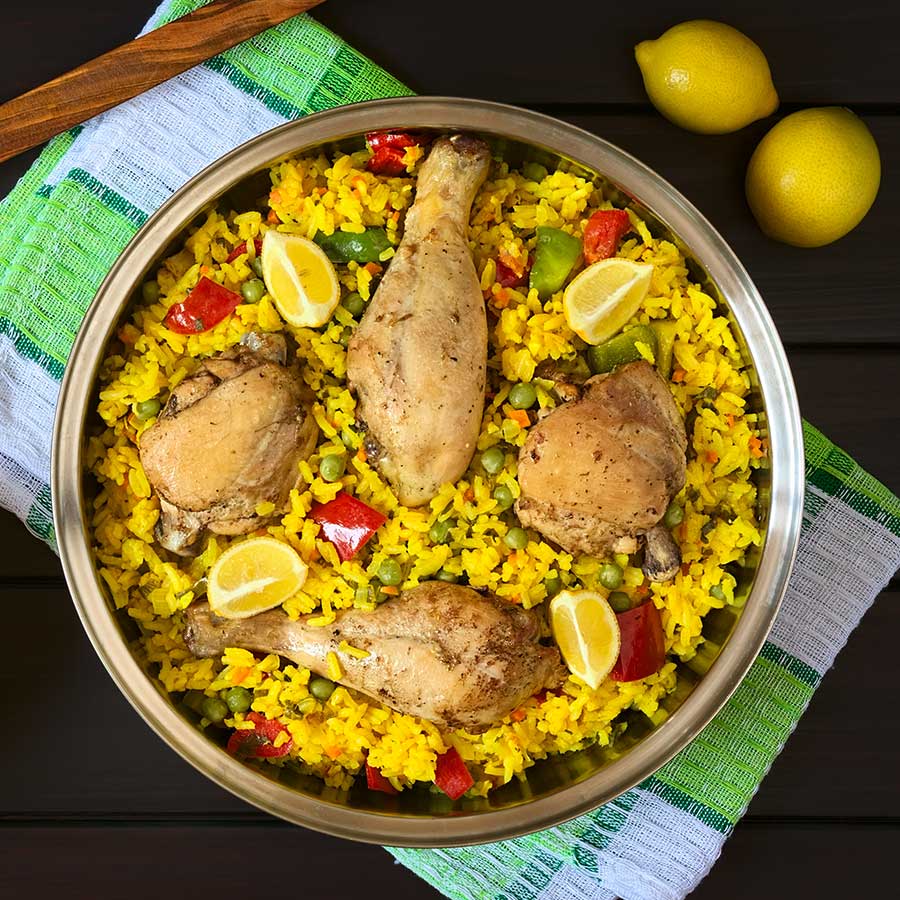
Ingredients
To get started, you'll need:
- 2 cup White rice
- 1.5 cup Chicken broth
- 0.5 lbs Chicken (Drum / thigh / breast)
- 0.5 Onion
- 0.5 Bell pepper
- 1 clove Garlic
- 10 Olives, cut into pieces
- A pinch of Saffron
- 1 tbsp Soy sauce
- 1 tbsp Honey
- Salt and pepper, to taste
Directions
From the main menu, select ‘Manual Cook’ and then choose ‘Sear/Sauté’. Set the heat level to level 3.
Add the chicken to the pressure cooker and cook until it is browned on all sides.
Remove the chicken from the pressure cooker and set it aside.
Add the onion, bell pepper, and garlic to the pressure cooker and sauté until the vegetables are softened.
Add the rice, chicken broth, soy sauce, honey, and a pinch of saffron to the pressure cooker.
Add the chicken back to the pressure cooker and stir everything together.
Add the olives and season with salt and pepper to taste.
From the main menu, select 'Auto Cook' and select 'Paella' from the recipe presets. Press 'Ok' to start.
Securely attach lid and set the pressure release valve to 'SEAL' Press 'Ok' to start.
Once cook time has finished, ensure that the float valve has fully descended, then turn the pressure release valve to 'VENT'. Confirm that all steam has released from the valve before opening the lid.
Remove the lid from the pressure cooker.
Stir the paella and let it sit for a few minutes before serving.
You may also like
View all

